#09 - Course Description Chatbot for Teachers at TU Graz
Improving your own course descriptions using generative AI
In this article, we would like to present the course description chatbot at Graz University of Technology, explain why a good course description is useful and how you can use AI to easily improve your own course descriptions with a chatbot based on structured feedback.
The application interface is available in German for the time being.
Necessity for detailed course descriptions
The course description in TUGRAZonline is the most important publicly available information about your course, which students and other interested parties use to find information.
The obligation to publicly disclose objectives, content, methods, assessment criteria and assessment standards is enshrined in the Universities Act (Section 76 (2) UG).
Students need this information in order to learn about the requirements and the amount of work to be expected, but also, for example, to plan stays abroad and have their credits transferred.
The course description chatbot for teachers at TU Graz
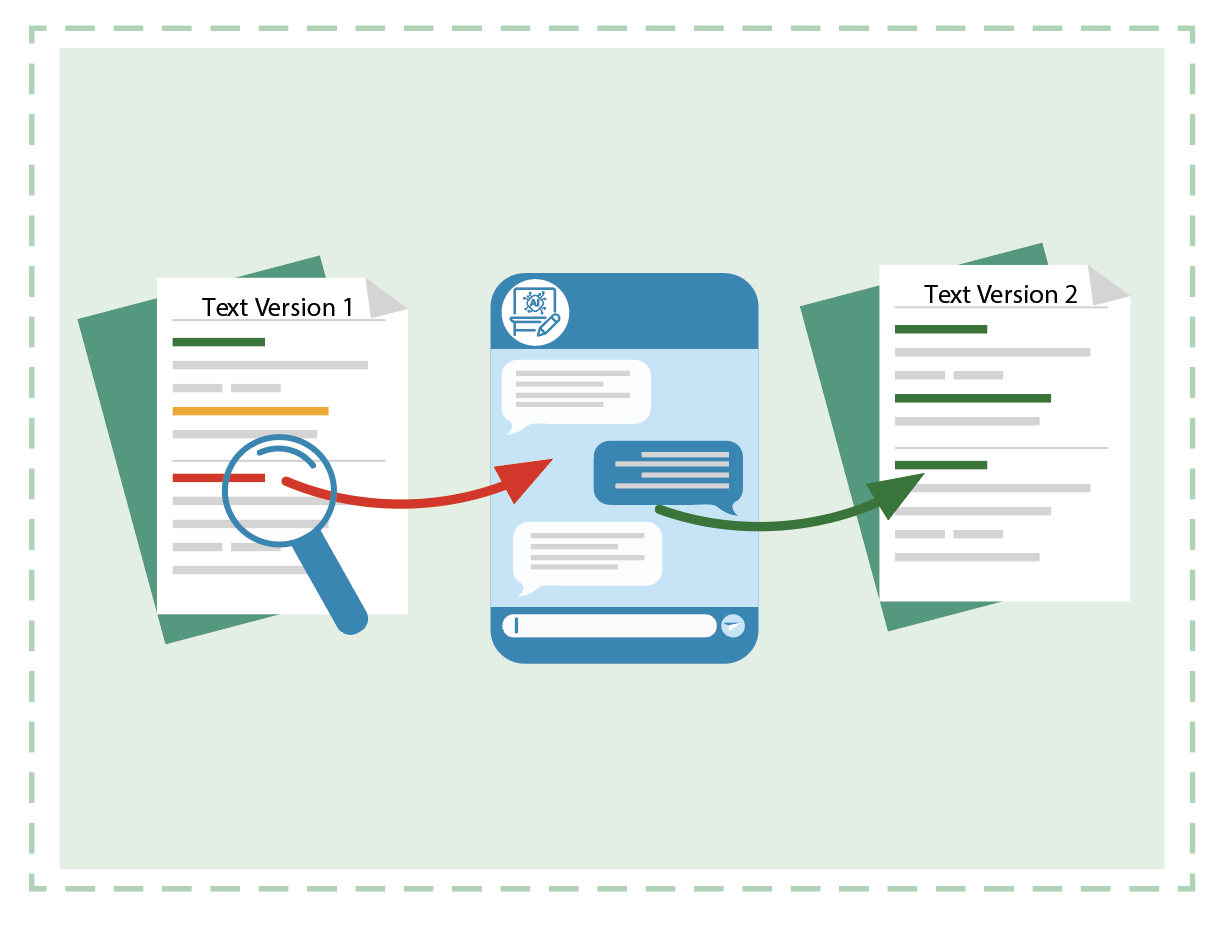
The course description chatbot provides teachers at TU Graz with an application that allows them to check and easily improve their own course descriptions for TUGRAZonline during the course registration period.
You only have access to your own courses in the course description chatbot. After signing in, you can choose one of your courses.

Recommendations for good course descriptions can be found at TU4U.
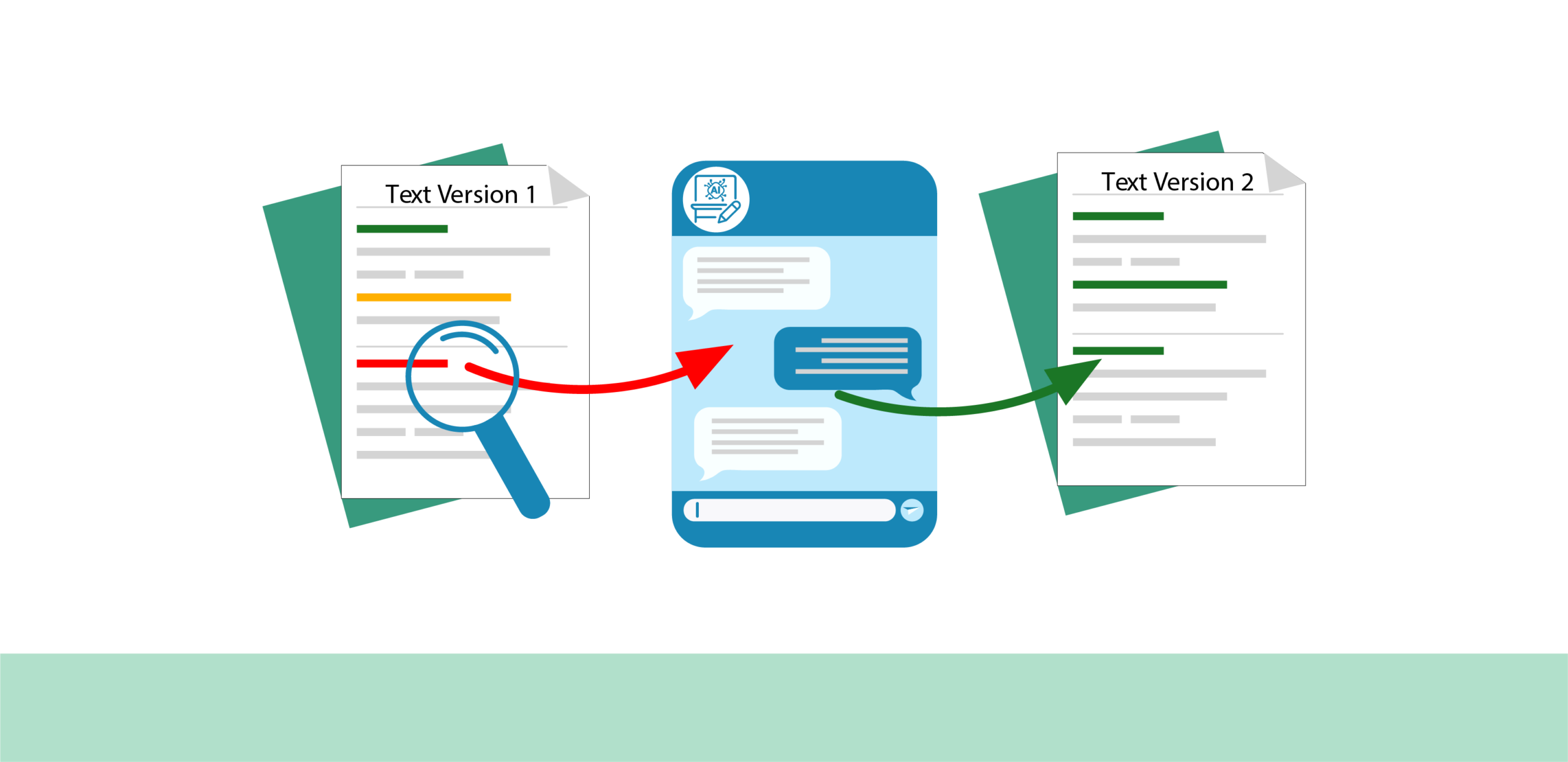
In the first step, you will receive AI-generated feedback that uses a traffic light system. It is based on the existing course description texts and the recommendations for the respective section.
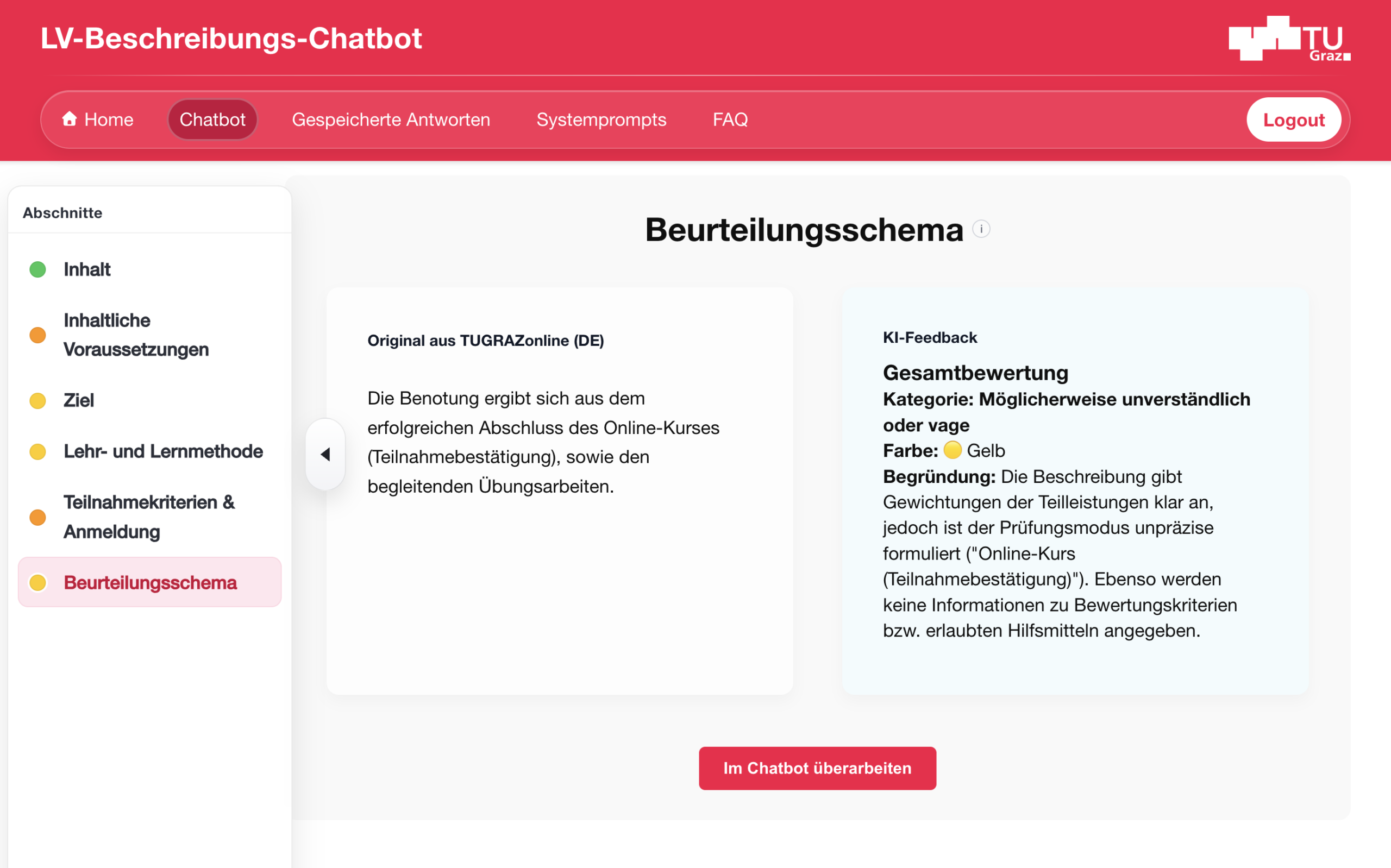
In the second step, you can start a chat for each section and optimise the description with the help of AI. A few selected sample prompts are available to give you ideas for revision.
For example, you can create a draft for the respective section containing placeholders, which you can then fill with your own information from the course.
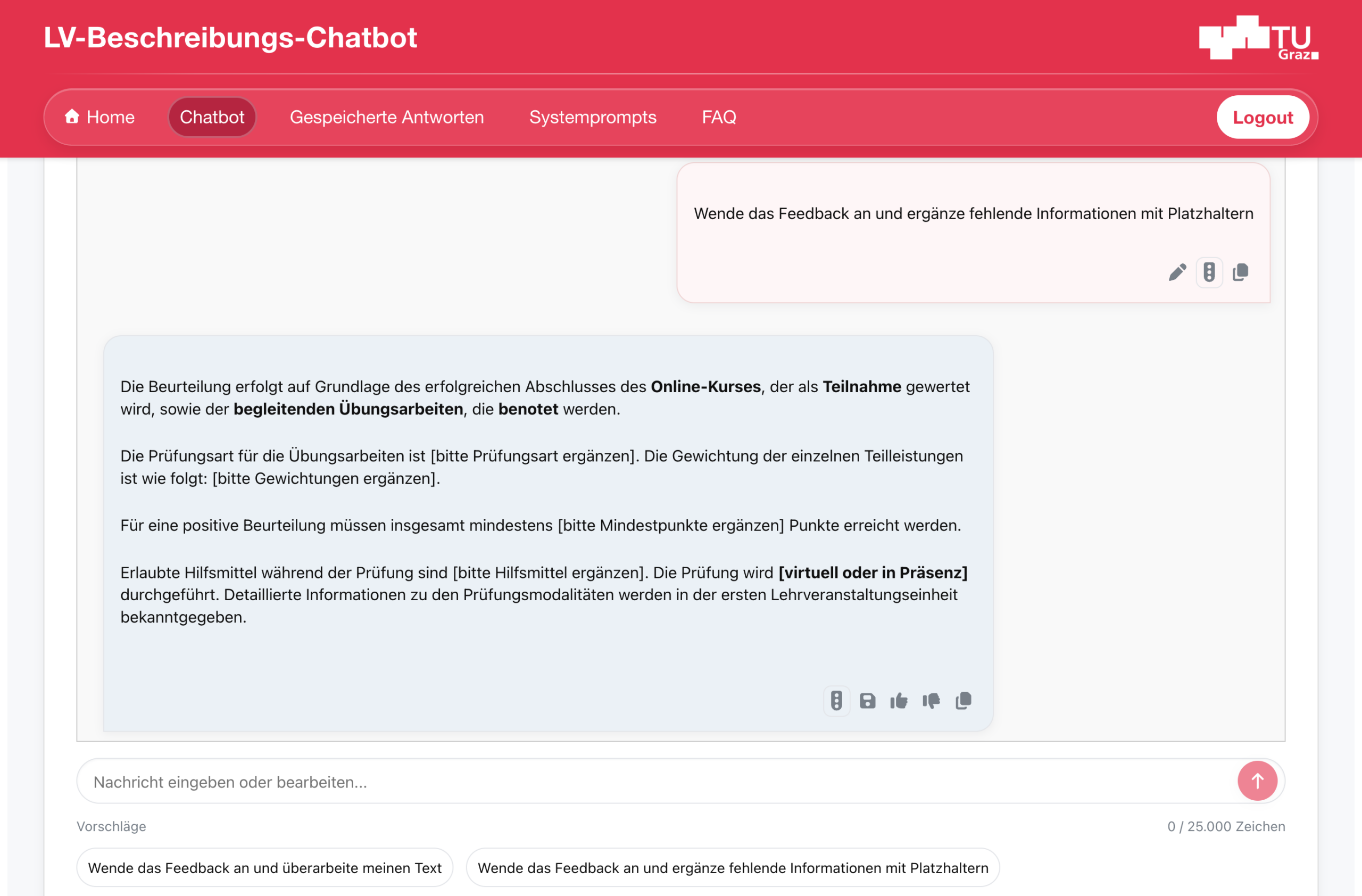
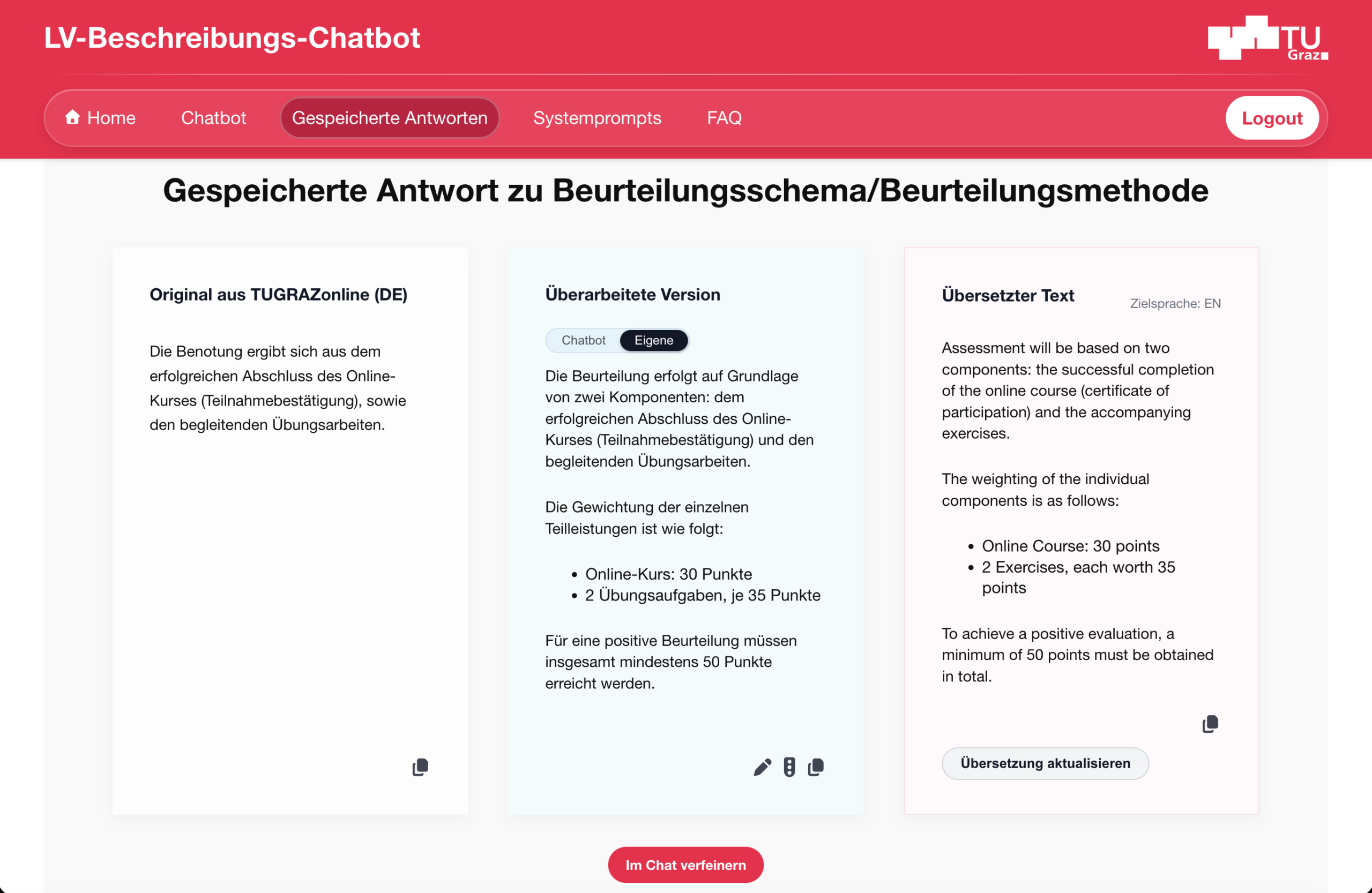
You can repeatedly request feedback on all versions created with the help of AI, and in the end save your preferred version. Saved versions can also be translated with the help of AI.
With one click, the texts are copied to the clipboard and manually transferred to TUGRAZonline.
If you use the AI-based chatbot for revisions, please do not transmit any personal data and observe copyright regulations and the basic principles of AI at Graz University of Technology.

Further information on preparing a course with the help of AI can be found in the Didactics section in the article #09 Use of AI-based tools in teaching (Part 1)
Prompting strategy for structured feedback
The course description chatbot generates feedback based on a predefined system prompt for the respective section. We want to make transparent how the course description chatbot works.
All predefined prompts that the course description chatbot uses for feedback can therefore be viewed in the ‘System prompts’ menu.
You are also welcome to reuse these prompts in your own contexts or other AI applications.

Further information on prompting strategies can be found in the Tools section in the article
#08 Prompt Engineering in Teaching

If you have any questions about the course description chatbot, contact: telucation@tugraz.at
Licensed under a Creative Commons licence CC BY 4.0 International
 Benedikt Brünner (Institute of Human-Centred Computing)