#02 - Video Production in the Educational Technology (LLT) Studio
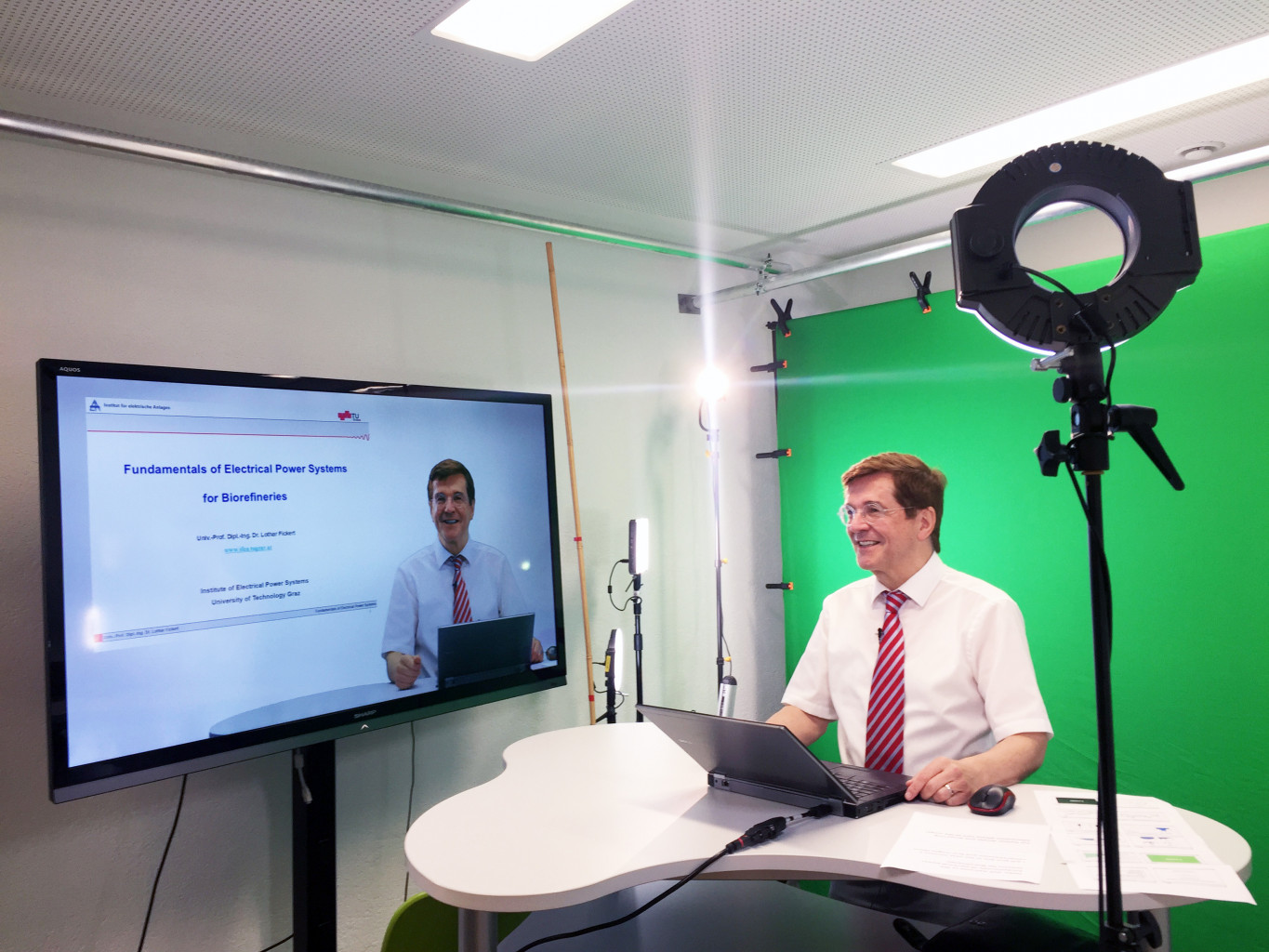
Did you know that the Organisational Unit Educational Technology at Graz University of Technology has a professional studio for educational video productions? For all those who have not yet had a chance to have a look at the heart of our video production, we have compiled the most important information about the studio for you. Enjoy a short studio tour:
What does the studio offer me?
Creation of instructional videos of all kinds:
- Conventional lectures, mostly supported by slides or graphics
- Expert interview/interview
- Complete MOOC production (Massive Open Online Courses combine traditional forms of knowledge transfer such as videos, reading material and problem-solving tasks with forums in which teachers and learners interact and work together in virtual learning groups.)
- Audio recording/scoring of existing videos
- Filming of objects/things
Support by the professional video team
- Support with the conception of the screenplay
- Estimation of the effort
- Video editing & processing
- Performance coaching

More detailed information on design, production and use can be found in: Ebner, M., Schön, S. (2017) Lern-und Lehrvideos: Gestaltung, Produktion, Einsatz. Handbuch E-Learning. 71. 4.61. p. 1-14 (available in German)
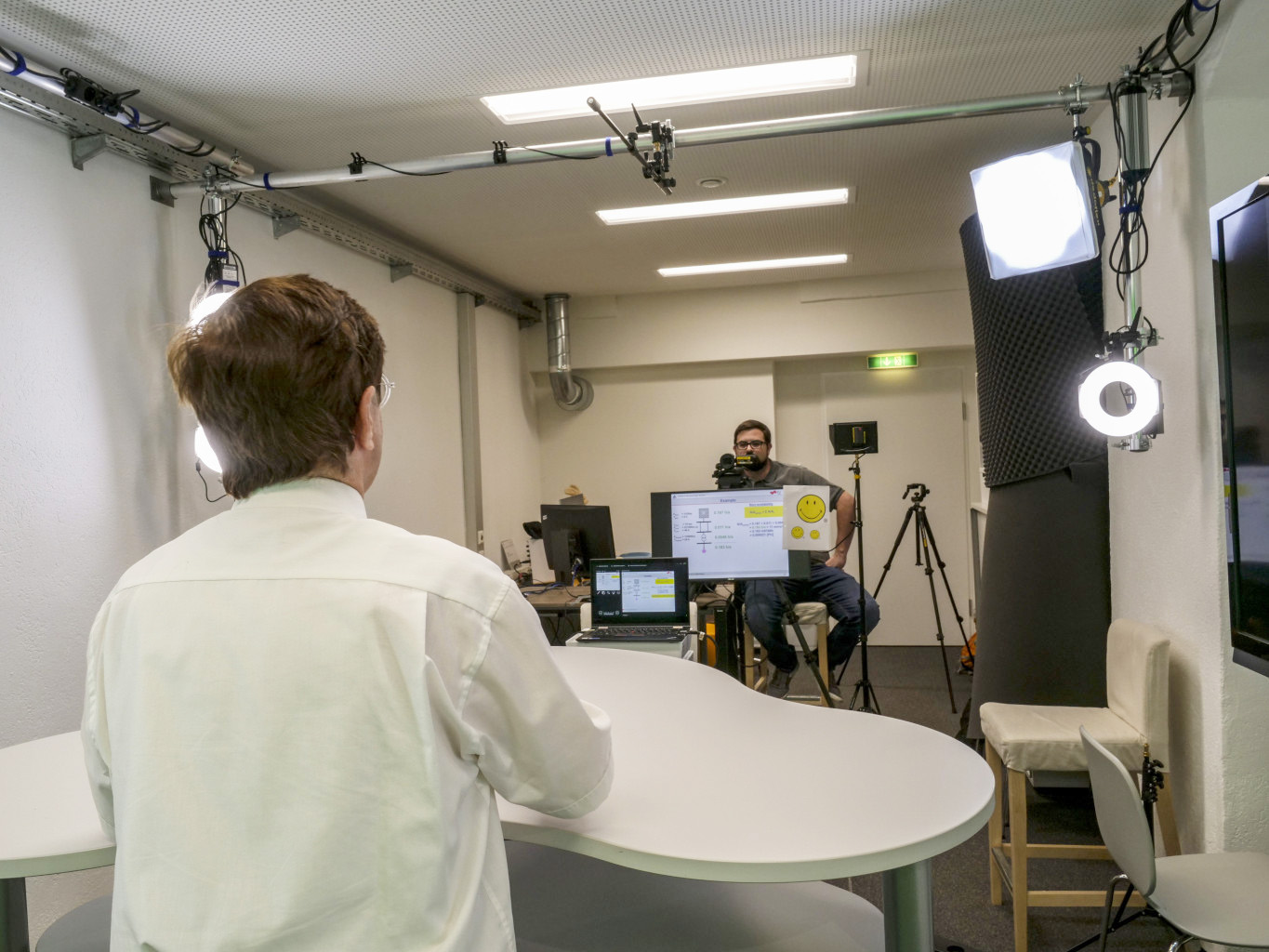

If you have no experience in front of the camera or feel insecure, we are happy to give you advice on body language and gestures as well as voice & speech.

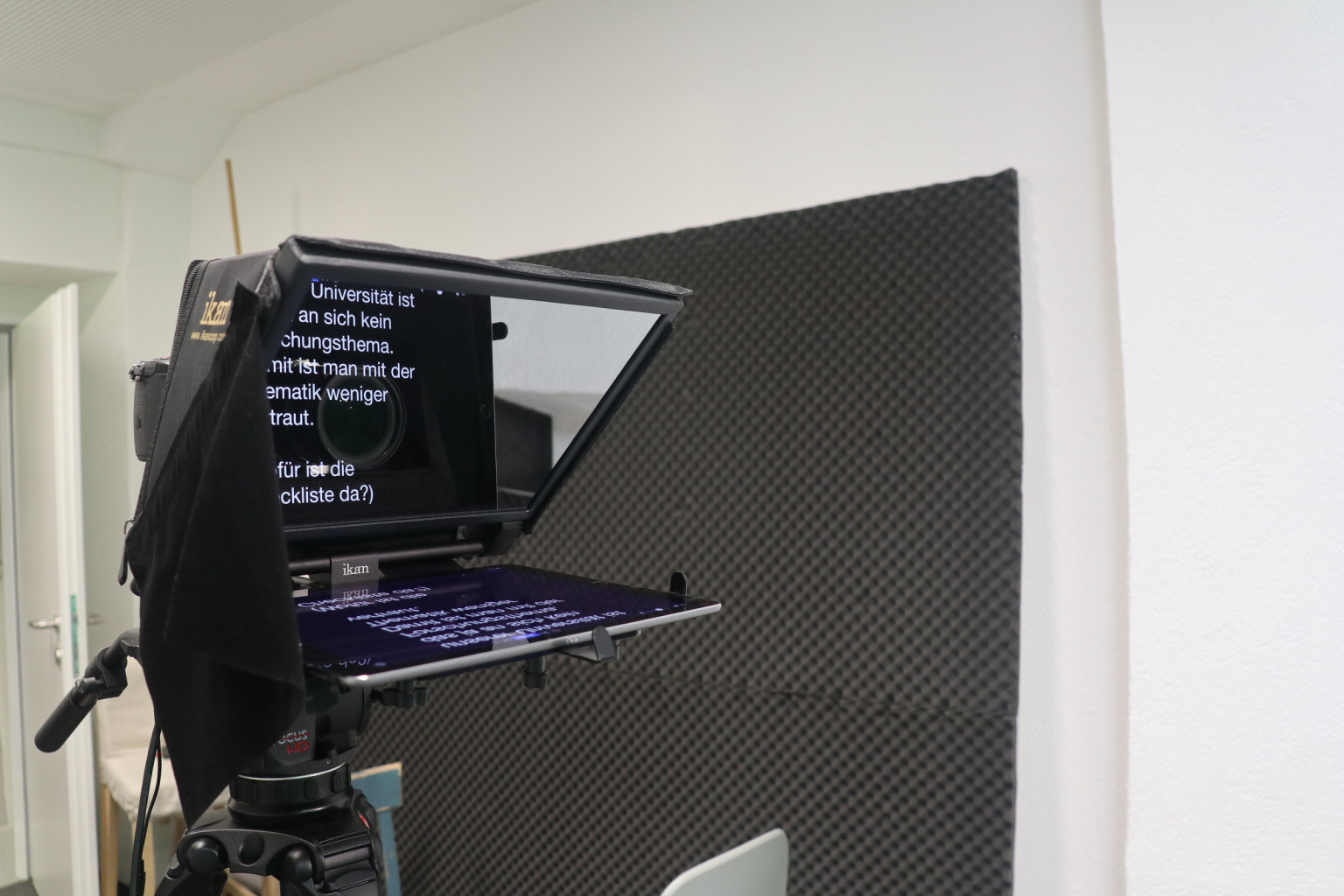
To make it easier for you to speak in front of the camera, we have a teleprompter in the studio where you can ”read“ your texts directly in front of the camera.
What exactly do I have to do if I would like to record an instructional video in your studio?
A ”typical instructional video“ is a presentation by a teacher supported by slides or graphics.
- Contact the VA team to arrange one or more appointments
- Preliminary meeting with the VA team, online or face-to-face (support as required)
- Writing a concept, text to be presented or script for the instructional video or modifying existing script
- the VA team can help prepare a script after receiving the essential contents (concept, text to be presented)
- Do I want to speak freely or do I want to use the teleprompter? If you would like to use the teleprompter, prepare a speech text.
- On the day of shooting: Appear at the studio just like you would for a regular lesson.
The Learning Video Canvas provides tips for your instructional video and is very easy to fill out. It also includes a template for your learning video script.
Alternatives to the use of the studio for teachers:
- Live streaming of lectures from the studio into lecture halls/conference rooms all over the world – this requires more intensive preparations in the studio and a rehearsal is recommended
- If someone has existing video content and would like to add audio to it, the VA team also offers the possibility of audio recording in the studio

The VA team is looking forward to meeting you in our studio!
For further information and booking the Educational Technology (LLT) studio, contact the VA team.

Licensed under a Creative-Commons License CC BY-SA 4.0 International
 VA team & Ypatios Grigoriadis (OU Educational Technology, TU Graz)